



Hyundai Veloster 1.6 L Gamma MPI / GDI I4 – Fs ( 2012 – 2018 ) – Performance Tune
$400.00
HYUNDAI VELOSTER 1.6 L GAMMA MPi / GDi I4 – FS ( 2012 – 2018 ) – STAGE 1 PERFORMANCE TUNE
Stage 1 consists of an individual reprogramming of the engine management system of the vehicle, whereby the adjustment of the engine parameters (e.g. ignition, injection, throttle response, torque limiters etc…) are customly adjusted. All engine parameter values at this stage remain within the safety standards prescribed by the manufacturer. Stage 1 is 100% reliable and emission compliant
Stage 2 requires aftermarket parts to enhance the intake and exhaust flow capabilities of the vehicle and provide a less restrictive path. The required parts are cold air intakes, headers (either catless or high flow) and an upgraded exhaust system. The stage 2 tune is reconfigured to account for the improved airflow. Please email or call us for recommendation on part selection!
Features:
* Throttle Response Improved
* increased RPM Limiter
* Optimized for 91 /93 Octane
* Improved Fuel Efficiency
* ECU individually reprogrammed
* Optimized Responsiveness and Drivability
* Datalog analysis
* Free Future Software Updates
* Software included
1. Stage 1
AVAILABLE TUNES
* STAGE 1 TUNE
* STAGE 1 + POPS & BANGS TUNE
* STAGE 2 TUNE
* STAGE 2 + POPS & BANGS TUNE
1.6 L Gamma MPi I4 (2012-2015) Original Stage 1 Stage2 Power (HP) 128 145 155 Torque (lb.ft) 116 130 140 Recommended Parts: downpipe (for Stage 2) Required Parts:
Downpipe, Cat-Back Exhaust , Cold Air Intake (for Stage 2)
1.6 L Gamma Turbo GDI I4 (2015-2018) Original Stage 1 Stage2 Power (HP) 140 155 170 Torque (lb.ft) 123 136 150 Recommended Parts: Headers (for Stage 2) Required Parts:
Downpipe, Cat-Back Exhaust , Cold Air Intake (for Stage 2)
| Production Date | 2012 -> 2018 |
| Engine | 1.6 (MPi / GDi ) |
| ECU Make | Bosch |
| ECU Type | MED17.9.8 |
| ECU Type | OBD / Bench |
| Time Required | 3-4hrs |
| Programming Options | |
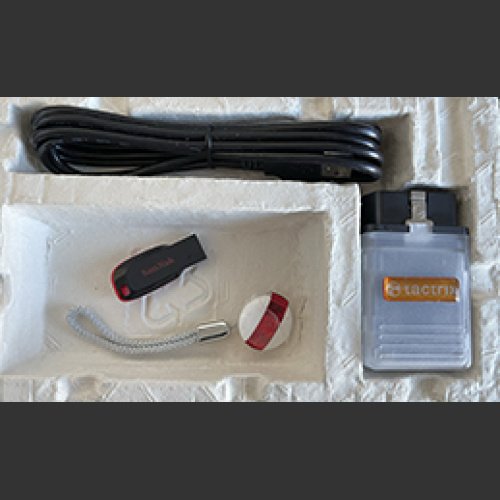
| OBD2 Cable with BB S Flashing software (requires windows Laptop with internet connection for flashing ) Flashing Software comes with 1 year Subscription Included | YES |
| Send ECU to AMT Tuning ( Contact AMT Tuning For Shipping Details ) | YES |
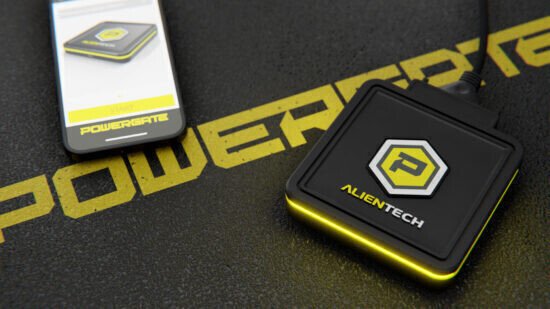
New Powergate 4 Tuning Tool – No PC Required ( Works with Phone App and Powergate Flashing Device |
YES |

*** STAGE 1 + OBD2 CABLE & FLASHING SOFTWARE COMBO (1 Year Subscription Included)**** Software included Stage 1 tune
**** REQUIRES WINDOWS LAPTOP WITH INTERNET CONNECTION *****
Features
- Direct connection to the vehicle through OBD port
- the ECU can be restored to factory settings at any time
- Safe to use and user-friendly
- Independently able to select and upload your map to your vehicle
- Standard connection to PC via USB port to configure the tools (cables included).
- Reads possible errors with DTC code, enabling you to erase them
- Ability to tune other vehicles with same tool ( PLEASE NOTE: NEW TUNE MUST be purchased separately for each other vehicle )
***************************************************************************************************
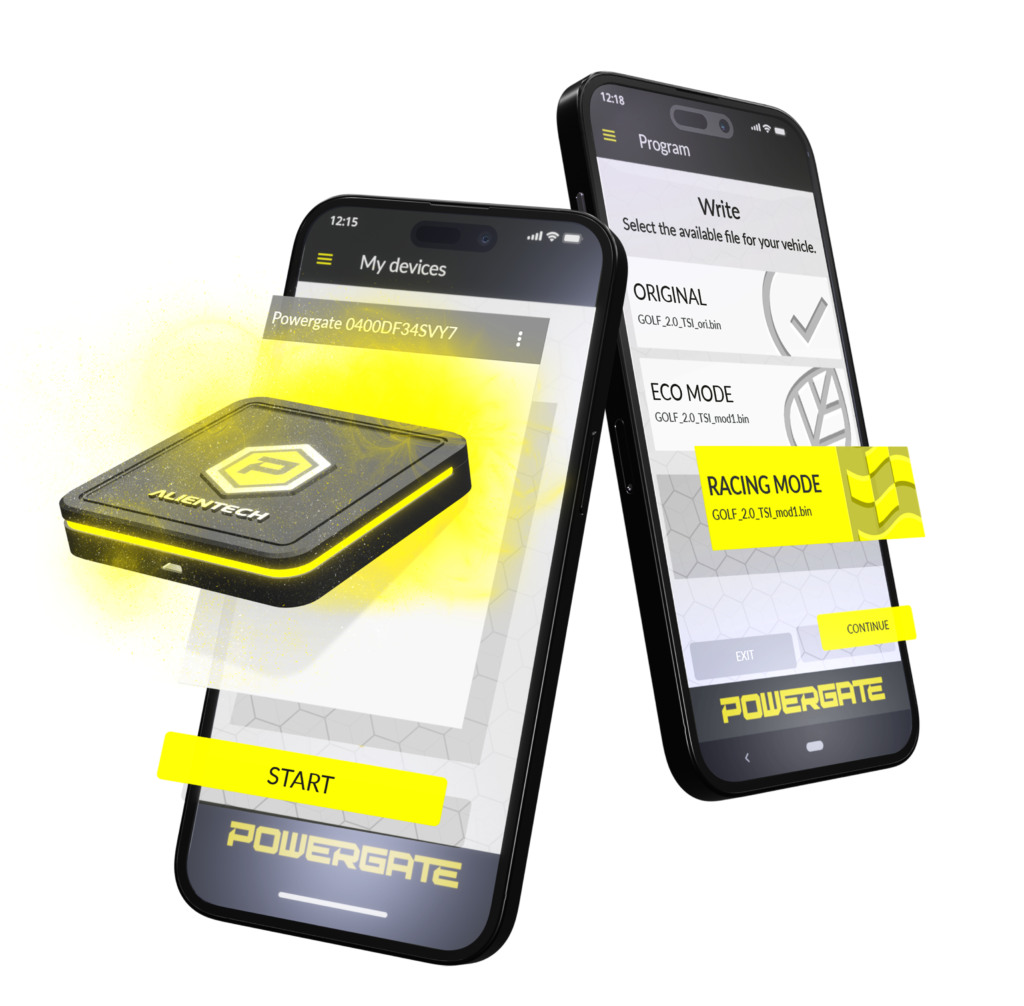
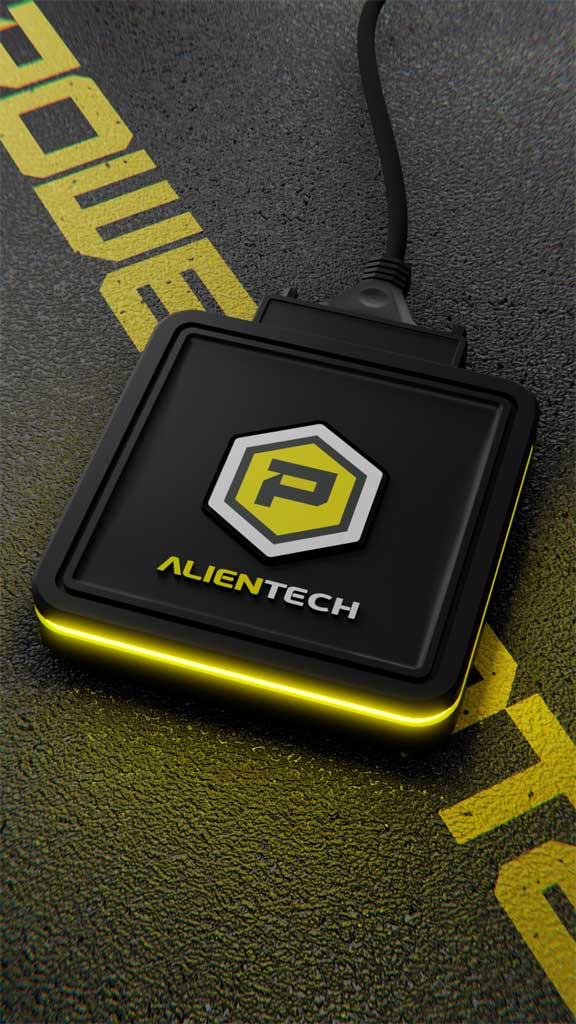
The Powergate Tuning Tool is a device that allows you to modify the software of your car’s engine control unit (ECU), also known as chiptuning. It is a handheld device that allows users to reprogram the ECU of their vehicle. It enables users to customize various parameters of the engine management system, such as fuel injection timing, turbo boost pressure, ignition timing, and more.
Powergate allows you to work via OBD on a single vehicle chosen from a wide range of supported Powergate models, sharing the same protocols as KESS3, using both an internet connection for the Cloud and Bluetooth for communication with your smartphone. This advanced technology ensures smooth and secure communication between the device and the vehicle at all times.
Powergate 4 – ECU Tuning Tool offers Full customization whenever and wherever you want.
THE POWERGATE APP
The Powergate App is the application designed to use Powergate directly from your smartphone. It is extremely intuitive and accessible on Google Play, App Store, and Huawei AppGallery.
Its main goal is to simplify the procedure for Users as much as possible, from initial registration to association with the tool, up to reprogramming.
Powergate 4 – ECU Remapping & Chip Tuning Tool is Compatible with the most popular smartphone operating systems (iOS, Android and EMUI)
HOW DOES IT WORK?
- CONNECTING TO THE VEHICLE
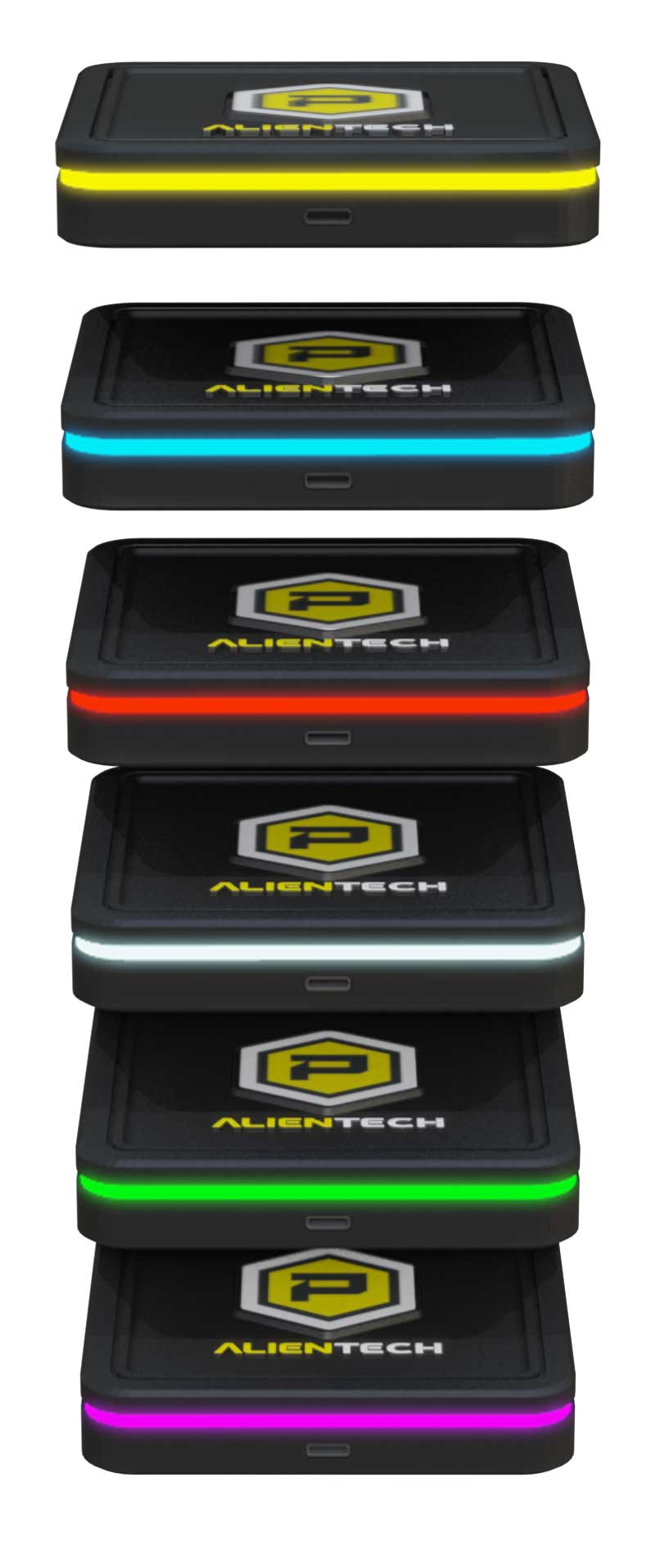
- Connect Powergate to your vehicle through the OBD diagnosis port with the supplied cable and wait for the bright LED strip to turn BLUE. Log in to the Powergate App by creating a ALIEN_id profile to use Alientech services.
- BLUETOOTH PAIRING
- Connect your smartphone to Powergate via Bluetooth. Just activate it from the icon on your phone’s settings and start searching for available devices to pair. The Powergate’s LED rail will illuminate BLUE.
- CONNECT TO THE INTERNET
- Connect both Powergate and your smartphone to the same internet network. If a WI-FI router is not available. You can connect Powergate to your mobile network (Hotspot).
- CHOICE OF VEHICLE
- Choose the brand, type of fuel and model of your vehicle from the list of vehicles in the App. Once this operation has been carried out, it is necessary to go into detail and choose the motorization. To make this easier, you can read this information on your vehicle’s registration document.
- IDENTIFICATION
- The tuning phase begins. Perform ECU identification. The process may last up to a few minutes during which Powergate will be illuminated in RED.
- READING
- Take a ECU reading. This process has a variable time duration that is independent of Powergate. Wait until the end of the operation while the LED guide will be illuminated RED.
- WRITING
- At the end of the read process, the control unit has connected to Powergate, and you can write the file Altered. This process has a variable time duration that is independent of Powergate. Stand by without ever unplugging the instrument. When the operation is completed, the LED guide will light up GREEN.
KEY FEATURES
- Extensive vehicle list (+ 18.000 vehicles)
- RFID quick Initialization
- Multi-level customization
- Real-time session monitoring
- Automatic File Pairing
- Cloud Platform
- Precise and accurate customization of your vehicle
- Intuitive User Experience
- Remote Configuration & Customization
- Bluetooth Connectivity & Compact design
BENEFITS USING THE TOOL
- Increased Performance
- Improved Fuel Efficiency
- Custom ecu remapping
- Non-invasive and reversible maps
- Up to 4 customizations of your vehicle
- No PC/Laptop is Required
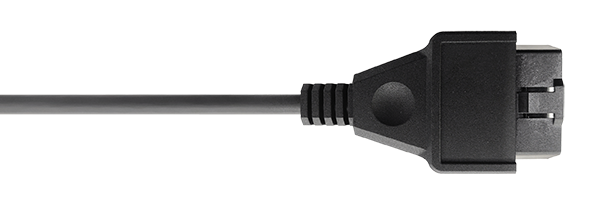
OBD DB25 Connection



LED Guide
Each color corresponds to a different state of Powergate.
| Weight | 0.66 lbs |
|---|---|
| Dimensions | 16 × 14 × 12 in |
| Vehicle Make | Hyundai |
| Vehicle Model | Veloster |
| Vehicle Generation | First generation ( FS; 2012 – 21018 ) |
| Vehicle Year | 2012, 2013, 2014, 2015, 2016, 2017, 2018 |